
How do I create and prepare my first project?
Overview
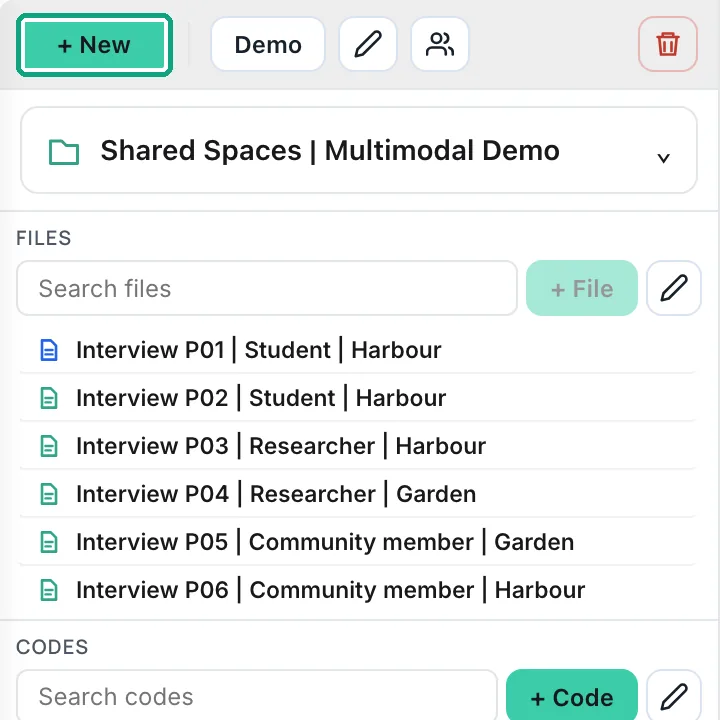
Select “+ New,” give the project a clear title, and add a short description of what the study examines. Project Guidance can hold the research aim, questions, study context, method, key concepts, evidence preference, audience, and language choices. This context helps you work consistently and gives the AI Assistant appropriate framing without treating project notes as evidence.
What to do
- Create the project before uploading files.
- Complete only the guidance fields you can justify; leave uncertain fields blank.
- Set the project/source language to match the research material.
- Choose an AI output language only when AI writing should use a different language.