What is Results Builder for?
Overview
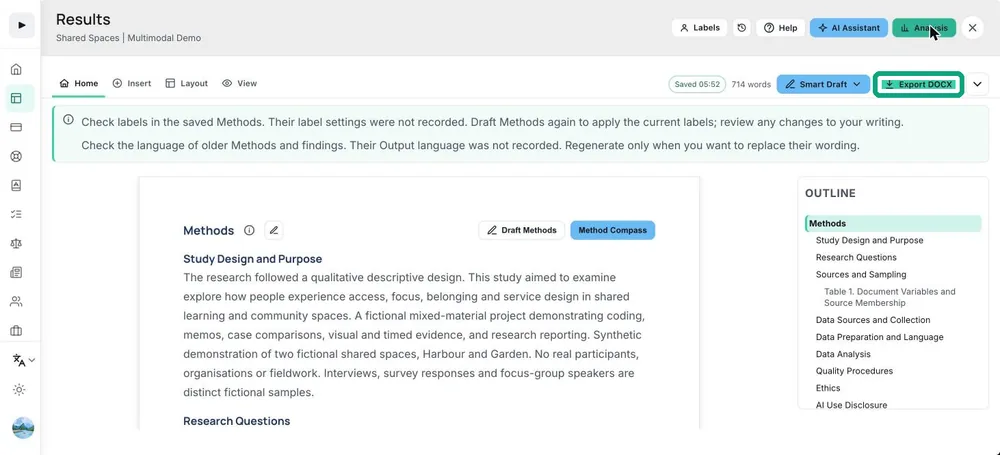
Results Builder is where you turn your analysis into a results section. You add the tables and figures you trust, choose the quotations that go with them, check the wording, and download a Word draft. Every item stays tied to the analysis it came from, so you can always go back and see where a claim comes from.
What to do
- Add a table or figure from Analysis with Add figure or Add table.
- Choose the quotations that show the pattern, including the ones that do not fit it.
- Read the findings written for each item and edit them in your own words.
- Check numbering, captions and notes, then download the Word file.