How do I organize and edit a Results Builder draft?
Overview
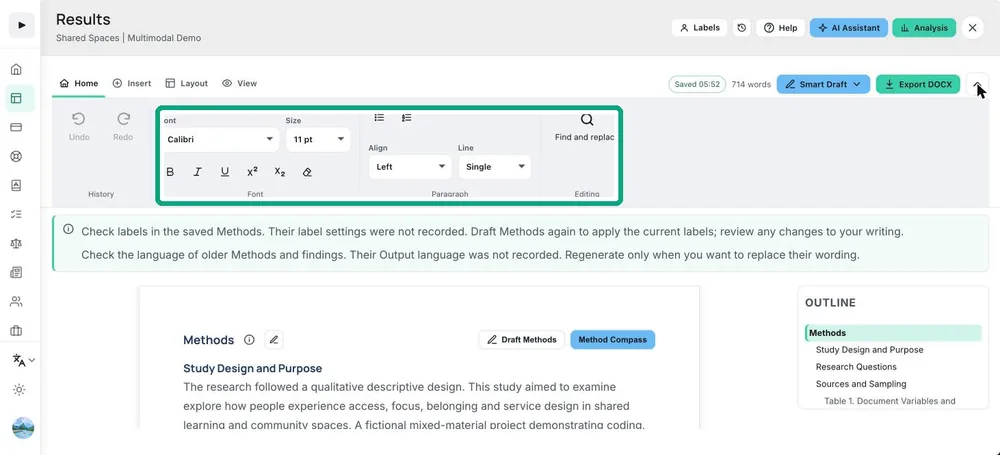
Results Builder keeps a sequence of captured tables, figures, and finding sections. Reorder items to match the argument, edit titles and captions so they describe the actual analytical scope, add interpretation and methodological notes, review selected evidence, and remove obsolete or duplicate items.
What to do
- Organize sections around findings or research questions rather than the order in which charts were created.
- Keep descriptive results separate from interpretation where this improves clarity.
- Check numbering and cross-references after moving or deleting items.